Playwright Tricks That Saved Me Hours of Web Automation Pain
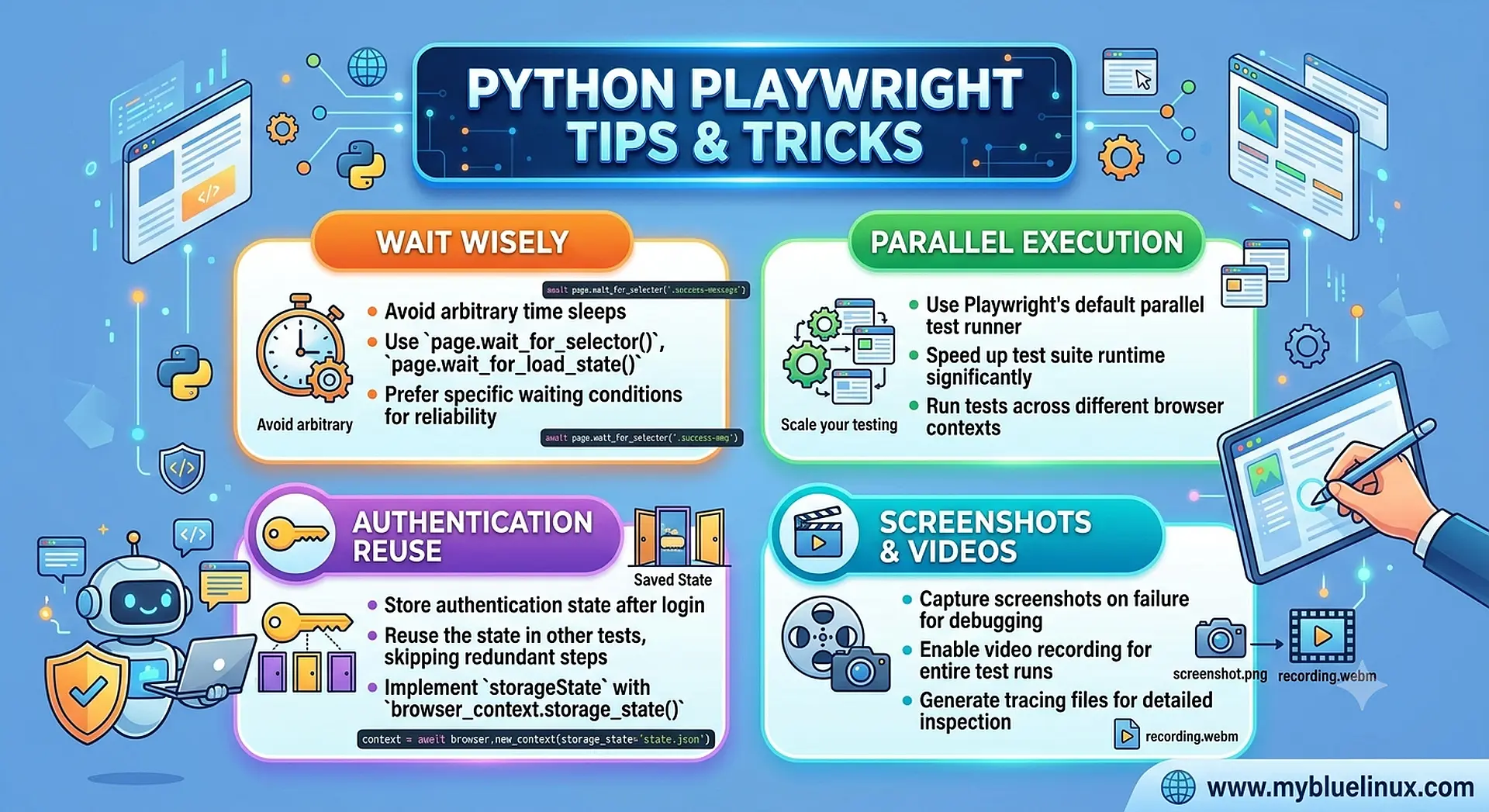
Today, I’ll share Python Playwright tricks that saved me hours. These aren’t generic tips. These are battle-tested, learned-the-hard-way, “oh-that’s-why-my-script-kept-breaking” insights that every Python developer should know.
As one of my mentors once said: “Tools won’t make you smarter, but knowing how to use them will make you dangerous.”
Let’s get into it.
Stop Using page.goto() Alone—Use It With a Network Wait
One of the biggest misconceptions beginners have is assuming that the moment page.goto() finishes, the page is ready. It’s not. Sometimes, the page visually loads, but the APIs behind the scenes are still cooking.
This is why your script works sometimes… and fails miserably other times.
Here’s what finally stopped the randomness in my automations:
await page.goto(url, wait_until="networkidle")
This single argument saved me from hours of “why is this failing only on staging?”
Pro Tip: If a page triggers background API calls, networkidle gives your automation patience you personally don’t have.
Use Built-In Auto-Waiting Instead of Sleep Hacks
If there’s one mistake every new automation developer makes, it’s this:
They sprinkle time.sleep() everywhere like it’s salt on fries.
Playwright was literally designed to avoid sleep. Once I understood that, my scripts became faster and more stable.
# ❌ Instead of this:
time.sleep(3)
page.click("#login-btn")

# ✅ Do this:
await page.get_by_role("button", name="Login").click()
Playwright will wait automatically, whether the element needs 0.2 seconds or 3 seconds.
This one shift alone makes your automations “production-grade” instead of “hope-it-runs-this-time grade.”
Use Locators, Not CSS Selectors Unless You Hate Yourself
I used to write selectors like this:
await page.click("div.container > div:nth-child(3) > button.submit")
It worked… until a CSS refactor happened and everything broke.
Then I discovered Playwright’s semantic locators:
await page.get_by_text("Submit").click()
Or my personal favorite:
await page.get_by_role("button", name="Submit").click()
Locators are resilient. CSS selectors are fragile. Use the fragile ones only when you want pain.
Fact:
Locators survive UI changes 10× better than traditional CSS selectors. Not a scientific number, just the number of times my team thanked me after refactoring.
Lowercase/Uppercase war
I once spent two hours debugging this line:
await page.click("text=Submit")
The problem?
The real button had “submit,” lowercase, and Playwright’s text engine is case-sensitive unless you use regex.
# ✅ The Fix:
await page.click("text=/submit/i")
Automation gives you control, but only if your selectors understand the page better than you do.
Record First, Code Later
Here’s something nobody admits:
Even expert developers don’t remember every locator, event, or wait condition.
The Playwright codegen tool was a game-changer for me:
playwright codegen https://example.com
I use it for two things:
- Recording flows I don’t want to write by hand**
- Copying stable selectors that I modify later**
- But never paste the output directly into your production script recorders are assistants, not architects.
This tool helped me build three automation tools in one weekend. Without it, I would probably still be debugging the login button on the first one.
Wrap the Browser Launch into a Reusable Utility
I used to write:
browser = await playwright.chromium.launch()
context = await browser.new_context()
page = await context.new_page()
in every file, every project, every time.
And then I wondered why everything felt repetitive.
So I built a small helper that gave my automation projects structure:
async def get_page(headless=True):
    browser = await playwright.chromium.launch(headless=headless)
    context = await browser.new_context()
    return await context.new_page()
Once you do this, starting any automation becomes clean:
page = await get_page()
And when I’m done:
await context.close()
Fast. Clean. Predictable.
This is the kind of design decision that separates beginners from developers who think like engineers.
Closing Thoughts
Automation isn’t just writing scripts; it’s learning the invisible patterns in the systems you’re automating. Once those patterns click, everything becomes easier, faster, and dare I say… fun.
Python Playwright is a powerhouse, but most developers only use 20% of its potential. The other 80%? You unlock it by building things, breaking things, and fixing the mess you made.
And if there’s anything I’ve learned in my four years of automating the web, it’s this:
The best automation developers aren’t the ones who write perfect code, they’re the ones who design scripts that survive imperfect websites.